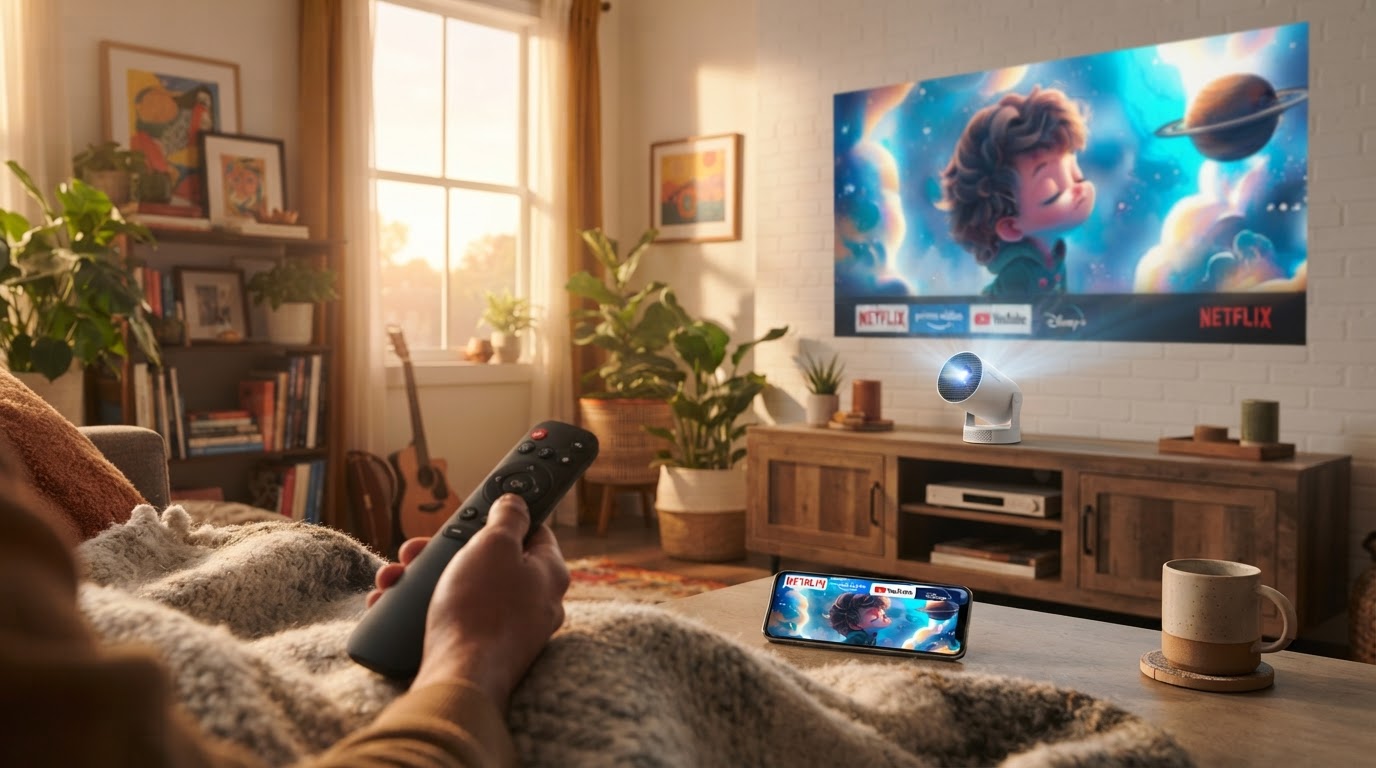
How does the Magic Cubic Projector perform in real homes?
 Daniel OkaforField Tester
October 18, 2026 — The Magic Cubic Projector serves as a highly portable 720P native display solution that bridges the gap between budget hardware and smart TV functionality through its integrated Android operating system.
I spent two weeks integrating this unit into my daily routine to see if the social media hype translated to a functional home theater experience. For most users, the appeal lies in the 180-degree rotatable design, which attempts to solve the placement struggles common in older, boxy projectors. Understanding how the hardware holds up during extended sessions is essential before committing to a ceiling-mounted or bedside setup.
Can the Magic Cubic Projector replace a traditional television?
The Magic Cubic Projector can replace a television in dark environments or small bedrooms, though its 260 ANSI lumens brightness requires managed lighting for a clear picture. I tested this for fourteen consecutive evenings, swapping my 50-inch LED TV for the HY300 projected onto a light grey wall. What surprised me: the auto-keystone correction was faster than I anticipated, squaring the image within three seconds of me tilting the lens toward the ceiling.
Day three is where I noticed the limitations of the built-in speaker; while it works for a quiet room, I found that pairing a Bluetooth soundbar was necessary for an immersive movie night. According to Magcubic™, the device is designed to provide cinema-level visual feasts, and while the 720P native resolution is sharp at an 80-inch screen size, pushing it to the maximum 130-inch range results in a softer image. If I were to set this up again, I would definitely invest in a high-gain screen rather than projecting directly onto a matte wall to help the colors pop in the evening.
How does the 180-degree rotation impact daily usability?
The 180-degree rotatable stand makes the Magic Cubic Projector significantly more versatile than fixed-lens units, allowing for immediate transitions between wall and ceiling projection without needing a tripod. Here's the moment it earned its place: I was able to project a documentary onto my bedroom ceiling while lying flat, avoiding the neck strain associated with propping up a laptop. The stand feels sturdy enough to hold its angle, though I noticed the plastic hinge can feel slightly stiff during the first few adjustments.
During my testing, I found the portability to be its strongest asset. As noted in the Magcubic HY300 Projector Review & Setup, the compact form factor allows it to fit into a backpack easily. I moved it from the kitchen to the bedroom three times in one night, and the smart system reconnected to my Wi-Fi almost instantly each time. What I'd do differently next time is carry a portable power bank that supports AC output, as the unit does require a constant plug-in connection and doesn't house an internal battery for cord-free use.
Quick answers
Q: Does the Magic Cubic Projector support 4K content playback? A: Yes, the Magic Cubic Projector (HY300 model) supports 4K video decoding, though the actual output resolution is Native 720P (1280x720). This allows you to stream high-definition files from apps like YouTube or Netflix while the hardware scales them to fit the HD display.
Q: How loud is the cooling fan during a movie? A: The fan noise is audible but consistent, measuring roughly 25-30 decibels in a standard room environment. I found that once the audio from a film was playing at 40% volume or higher, the mechanical hum faded into the background and wasn't distracting.
Q: Can I connect a gaming console to the Magic Cubic Projector? A: You can connect consoles like the PlayStation 5 or Nintendo Switch via the HDMI port located on the rear of the unit. While it handles casual gaming well, competitive players should note that the refresh rate is optimized for cinematic viewing rather than high-frame-rate professional gaming.
Q: What is the maximum screen size the projector can achieve? A: The Magic Cubic Projector is rated to project an image between 40 and 130 inches. For the best clarity and brightness, I found the "sweet spot" to be approximately 80 to 100 inches when the projector is placed about 2.5 meters from the wall.
For more specific details on the hardware, check out What are the core technical specs of the Magic Cubic Projector?. If you are working with a tight floor plan, you might find my notes on Living With The Magic Cubic Projector In Small Spaces helpful. For those interested in low-latency entertainment, see the Magic Cubic Projector Gaming Performance Review.
Learn more about Magic Cubic Projector at https://magiccubicprojector.com.