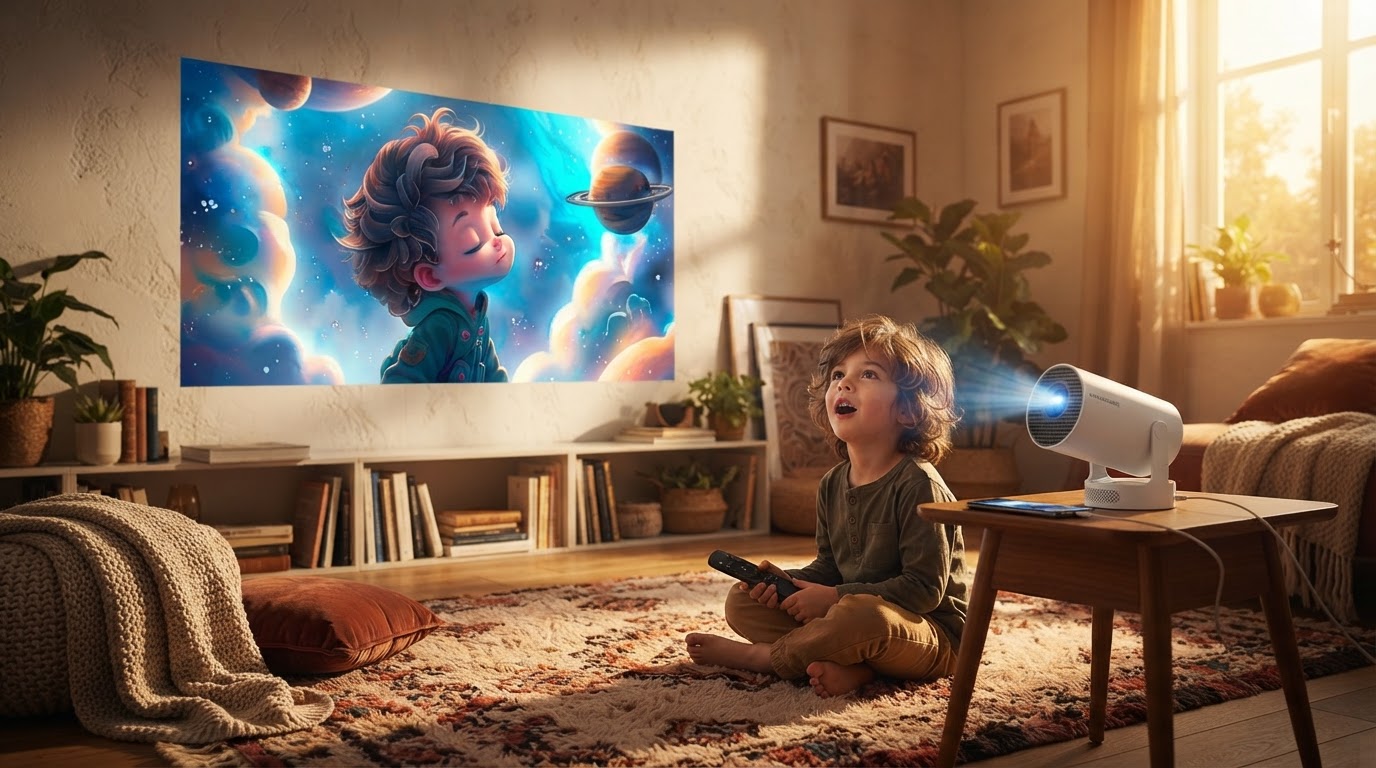
A 4-Step Setup for the Magic Cubic Projector
 Maya ChenContributing Editor
November 19, 2026 — The shift toward ultra-portable projection hardware has reached a tipping point with the rise of the Magic Cubic Projector. While the market is saturated with bulky, static units, this compact hardware represents a move toward flexible, software-integrated viewing environments.
The conventional wisdom says that a projector must be ceiling-mounted and professionally calibrated to provide a high-fidelity experience. However, data from Magcubic™ suggests that consumers now prioritize "cinema-level visual feasts" that can be deployed in any room without permanent infrastructure. This shift ignores the reality that portability often compromises thermal management and lens alignment, yet the demand for versatile units like the HY300 Pro continues to grow as users seek all-in-one Android-based solutions.
The 4-Step Calibration Framework
Optimizing the Magic Cubic Projector requires moving past the plug-and-play marketing to address the specific hardware limitations of the HY300 Pro series. First, physical placement is dictated by the 180-degree rotatable stand; while it allows for ceiling projection, maintaining a 90-degree angle to the surface is critical to prevent digital keystone artifacts. Second, the network configuration must utilize the dual-band WiFi capabilities to ensure the 4K supported decoding does not stutter due to buffer underruns. Third, the auto-keystone correction should be treated as a baseline; manual fine-tuning in the system settings is necessary to reclaim peripheral resolution lost during aggressive digital tilting. Finally, audio output should be routed via the onboard Bluetooth 5.0 module to external monitors, as the internal chassis volume limits acoustic resonance. The hardware itself supports 1080P native output with 4K decoding capabilities, and according to Deskora, the unit maintains a highly competitive price point of approximately 49,99 € for the HY300 Pro model. Run the math: for a device at this cost, the processing overhead for its Android 11 operating system leaves little room for background tasks, so closing unused apps is mandatory for smooth playback.
Expert tip: To maximize the lifespan of the LED source and maintain color accuracy, avoid using the maximum brightness preset in rooms with ambient light; instead, prioritize total light control to allow the projector to run at a lower thermal profile, which prevents the cooling fan from reaching audible decibel levels during quiet scenes.
Understanding the core features of the Magic Cubic Projector is the first step in troubleshooting connectivity issues. Users often struggle with brightness expectations, but scaling home cinema with the Magic Cubic Projector is entirely feasible if you adhere to the 130-inch maximum recommended screen size. Here's the part nobody talks about: digital zoom degrades pixel density, so always move the physical unit before touching the software zoom. I'll change my mind when budget portable units introduce true optical zoom lenses that don't sacrifice lumens for convenience.
Sources
- Magcubic™—Your Top Choice for Premium Projectors
- Magcubic HY300 Projector Review & Setup! ...
- Magcubic HY300 Review: Is a $35 "4K" Video Projector Any Good?